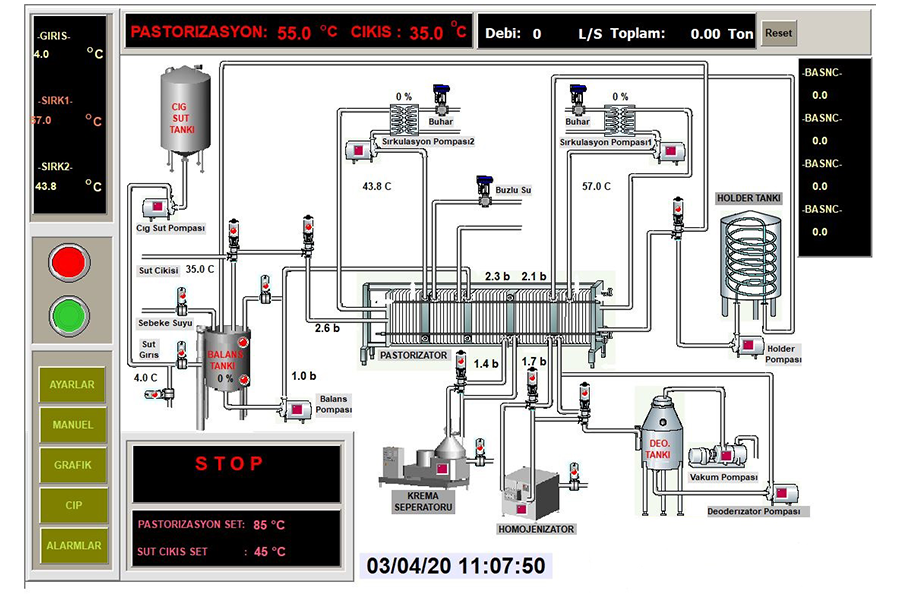
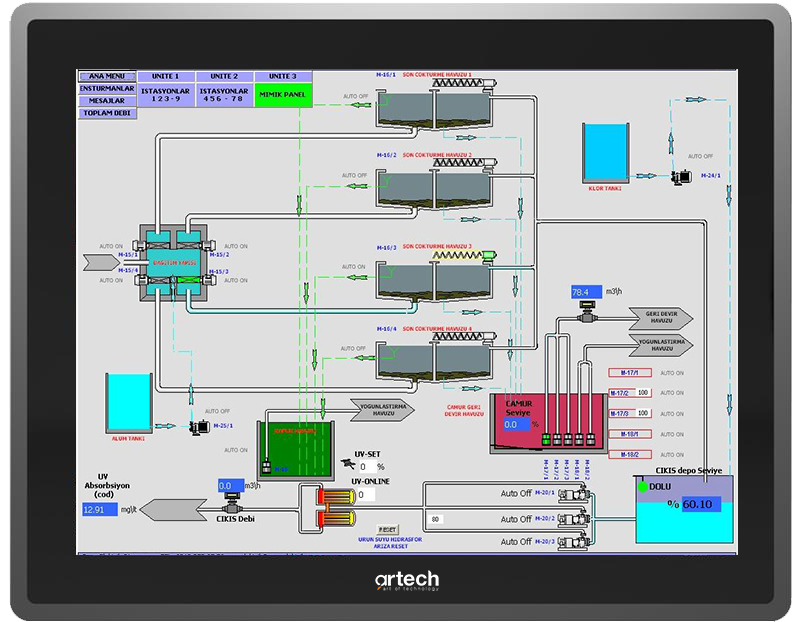
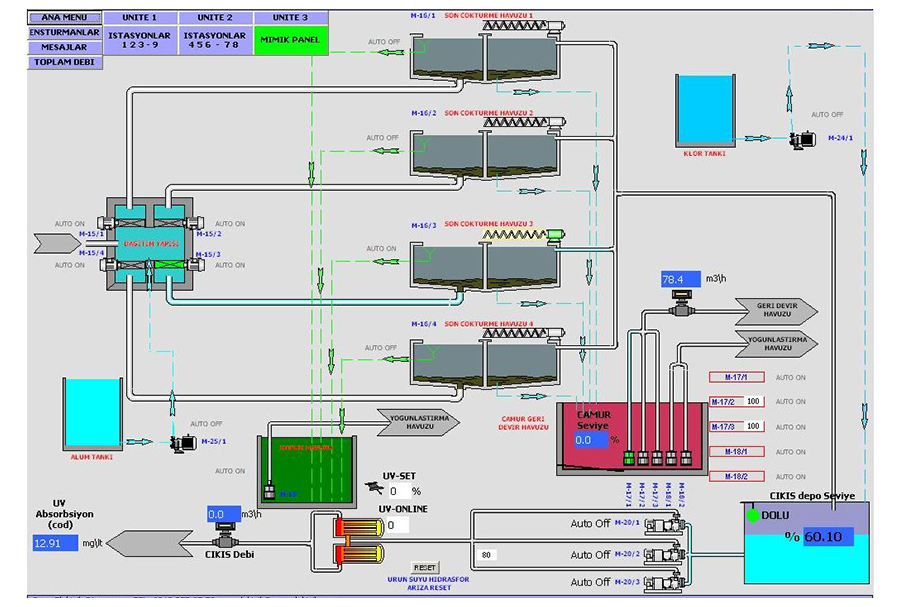
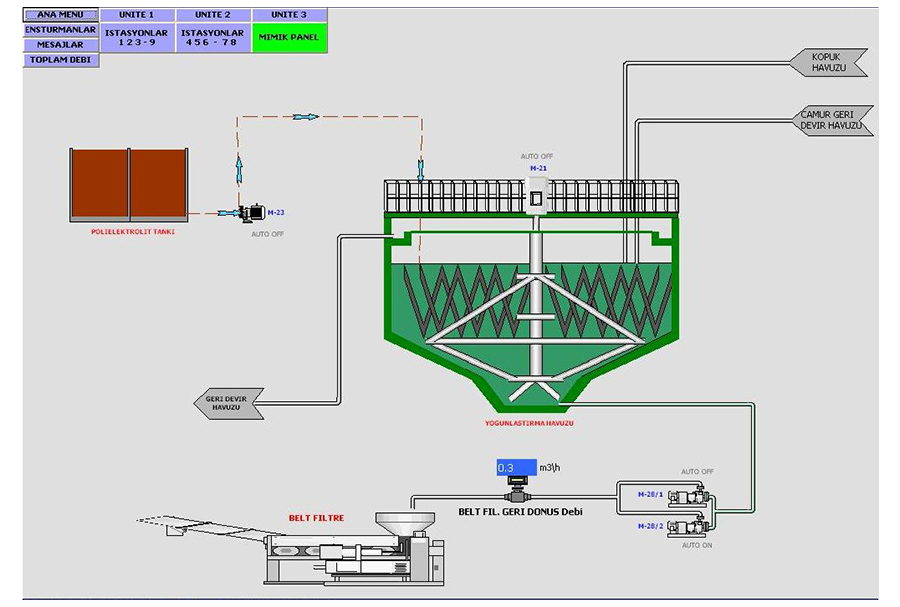
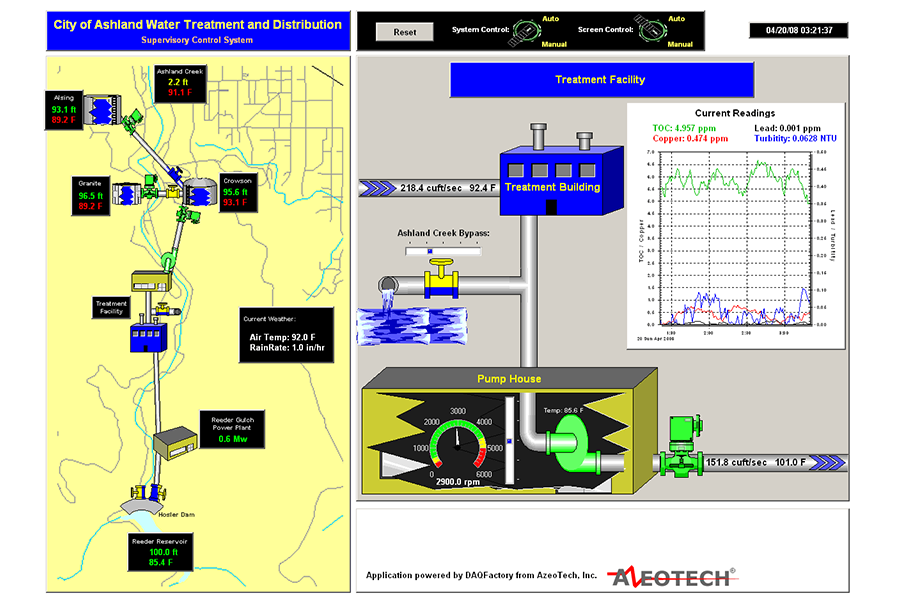
Acquire data from multiple sources, local and remote. For example, connect directly to PLCs through serial or Ethernet, or connect to DAQFactory HMI installations using DAQFactory networking. Then, bring all your data into one place.
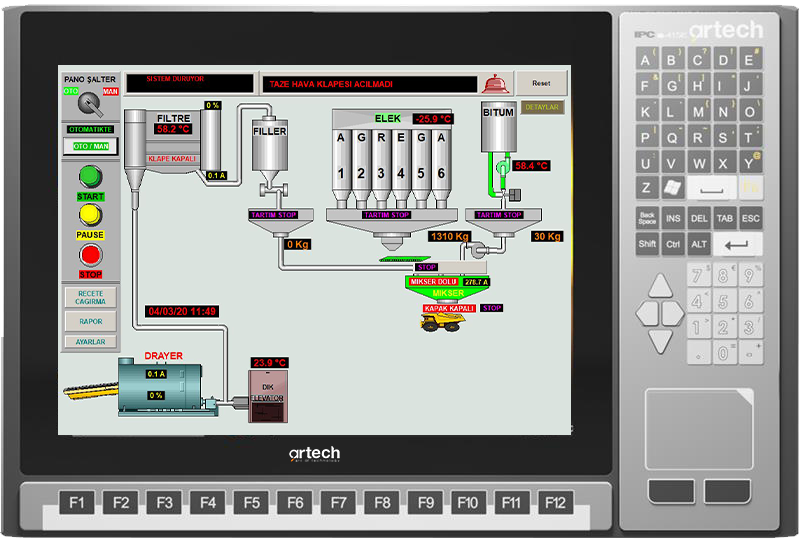
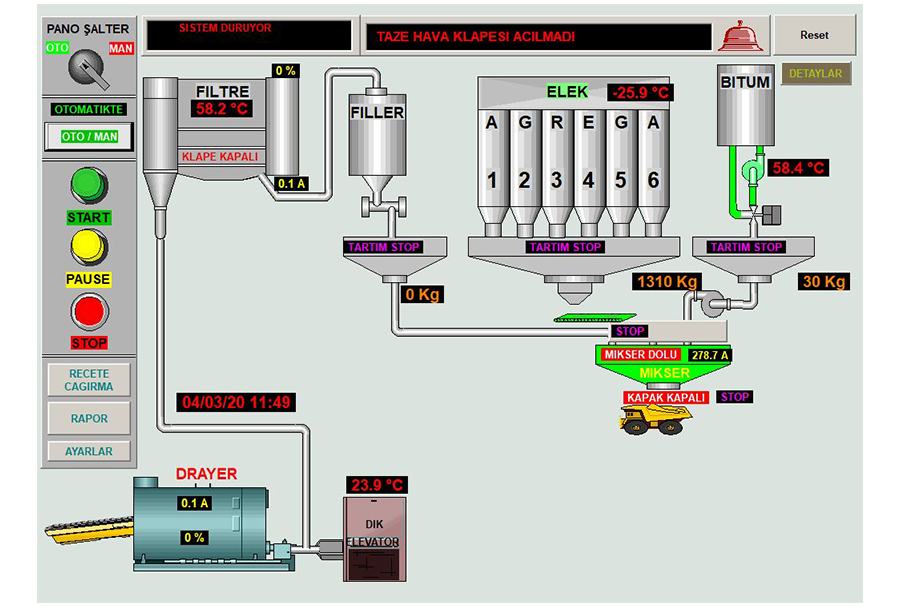
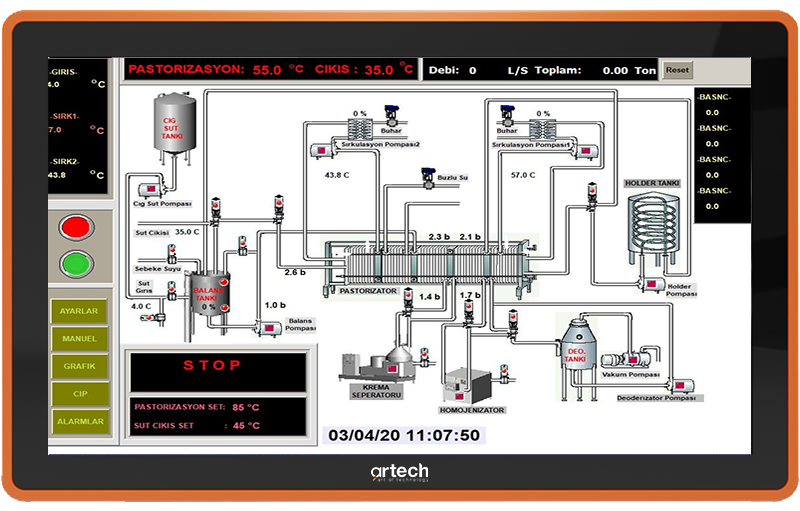
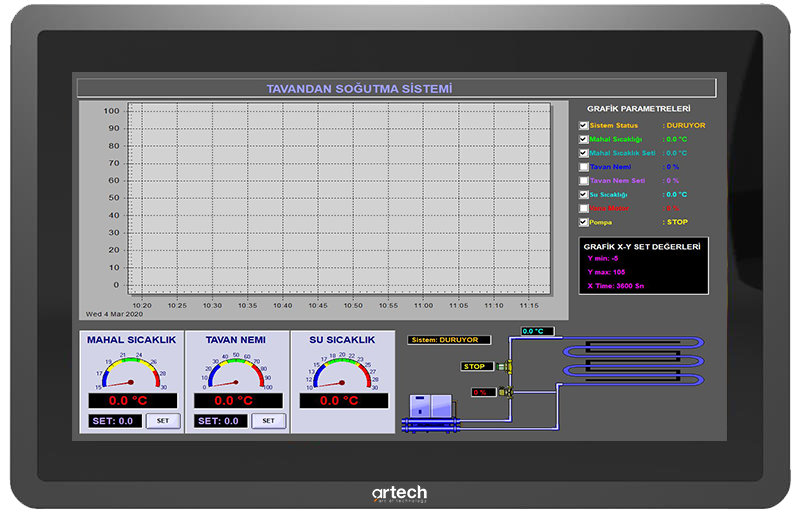
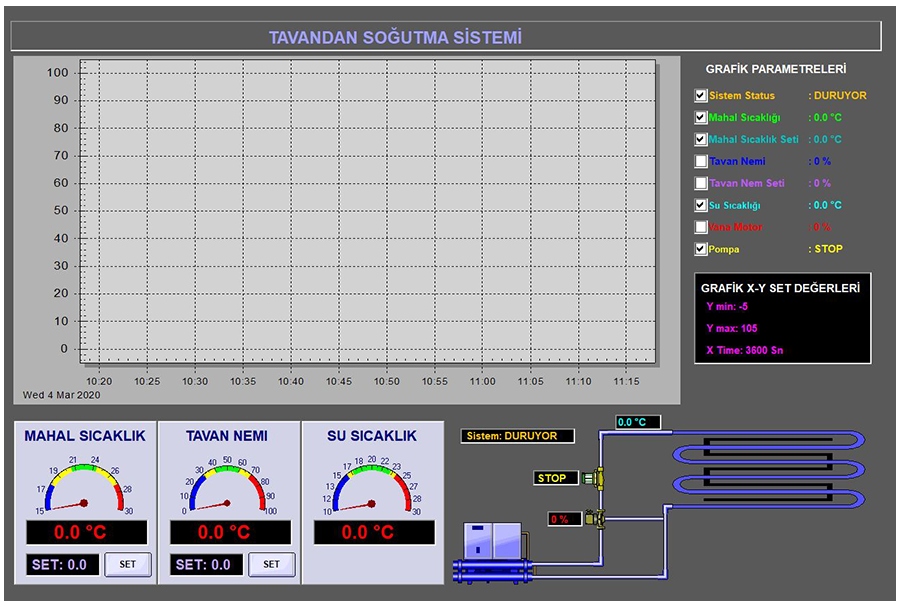
View and analyze data on screen in real-time. View multiple sites on a single screen for intercomparison and zoom in for site detail. Use the powerful trending, XY and 3D graphing for visual analysis. Utilize advanced mathematical analysis and data manipulation tools to view results in real-time.
Perform batch control, adjust setpoints on any location. Perform manual adjustments or create automated supervisory control scripts.
Utilize flexible logging. Create daily logs, log multiple data subsets, log to a database or local file. Email or FTP daily log files.
Perform alarming with multiple notification options: screen flash, colour change or other on-screen indication, local horn or signal light, email, pager, or voice phone notification with acknowledgement.
Make changes on the fly: no need to stop and recompile every time you add a new screen element or tweak to the script.
Human Machine Interface (HMI) Software
Use over 40 on-screen controls to provide a robust user interface.
Replace switches, knobs and indicators with virtual ones, or use both. Use trend graphs and other components to provide your operators with additional information not usually available to them.
Log data for each operator for performance review and quality control.
Combine with a central DAQFactory SCADA setup for real-time centralized monitoring and control.
Make changes on the fly: no need to stop and recompile every time you add a new screen element.
Factory Automation Software
A powerful scripting engine gives complete flexibility in automating your factory processes.
Structured text scripting means anyone can do it. A familiar syntax means most programmers can assist even if they are not familiar with DAQFactory.
Completely multithreaded: create a separate loop for each process or part of a process. Logically organize your control loops instead of having to mash them together into one big circle.
Make changes on the fly: no need to stop and recompile every time you add a new screen element or tweak to the script.
Test And Measurement Software
Acquire data from multiple sources at varying data rates. For example, acquire high-speed streaming data from high-speed devices without a problem.
Easily convert and process your data in engineering units. Advanced analysis and data manipulation make real-time results attainable.
Use the powerful scripting engine to create test scripts, controlling outputs while constantly recording inputs. Combine with automated analysis routines for a complete end-to-end test suite.
Log data in batches for each test, or log continuously. Create separate logs for subsets of your data, or log to multiple places at the same time. Conditionally log based on input values to only essential record data.
Make changes on the fly: no need to stop your test or measurements every time you want to add a new screen element or make a tweak to the script.
Quality Control Software
Acquire data and display it on screen for constant review. Use trending with threshold lines to indicate out of range values so operators can avoid them. Alarm and notify with on-screen displays, email, pager, or voice dialling when values get out of range so the problem can quickly be resolved.
Use the powerful scripting to have DAQFactory automatically correct situations before they go wrong.
Continuously log data or subsets of your data to multiple locations for archival purposes.
Remote Monitoring and Control Software
Use DAQFactory's powerful serial / Ethernet tools to connect to remote devices, even over multiple links easily. Use various protocols on a single port to control radio modems, cell modems, and remote devices.
Connect multiple DAQFactory installations across a LAN, the Internet, or over modem for real-time monitoring and control along with local acquisition, logging, display and control.
See the status of your remote sites and correct any problems without having to go into the field.